


Animation is a moving image consisting of several images that cause movement. Almost everyone, including children and adults, loves animation. One of the examples we often encounter in everyday life is animated films.
The straightforward but captivating visuals and plots can help mentally exhausted people. In getting to know more about animation, it’s important to understand how it is created, benefits, and ty. To find out more, see the following article.
What is Animation?
Animation is a moving image in the form of a set of objects arranged regularly following a predetermined movement at each increment of time that occurs.
These images or objects can be in the form of pictures of humans, animals, or writing. During the creation process, an animator must apply logic to ascertain how an object will move from its starting position to its finished state.
Ibiz Fernandes claims that animation is a series of procedures that involve recording and replaying several still images to create the impression of movement. The literal meaning turns on a meaningful message. Here, “turning” is used to refer to any effort made to move a rigid object. Two-dimensional (2D), three-dimensional (3D), and four-dimensional (4D) animation are the three different sorts of dimensions that now exist.
The principles of animation, which govern science itself, control as a field of art. In the meantime, technology supports technological knowledge, specifically by employing tools like cameras, sound recorders, computers, and human resources to document the art. To produce excellent results, these two sciences operate in harmony.
Animation Function
Animation has its own charm so it is often used in daily activities such as the education and industrial sectors, for example in powerpoint presentations.
1. Animation Can Grab Attention
Images arranged in a particular way to create motion or movement is known as animation. As a result of the movement and sound being in time, this motion has an attention-grabbing impact. Its use in lectures maintains audiences' interest and prevents them from becoming rapidly disinterested in what we are communicating. The capacity to deliver something intriguing is a manifestation of creativity.
2. Animation Can Beautify Your Presentation
Besides attracting attention, animation also helps in terms of increasing creativity with a beautiful appearance. There is an arrangement of images that can be selected to use it according to the topic of our presentation.
3. Easier Presentation Structure
Animation makes it easier to organize presentations because you can adjust the order in which they appear. For example, there is Microsoft Powerpoint to determine which part you want to display first. After that, the presenter will only press a click so that the presentation can be displayed in an orderly manner.
4. Ease of Describing in a Content
It is crucial for the presenter to organize the presentation materials during explanation so that they are simple to understand. We only need to enter the content we wish to display because animated templates are already there in programs like Microsoft Powerpoint.
Types of Animation
Animation has different criteria and types. These are the types that exist.
1. 2D Animation (2 Dimensions)
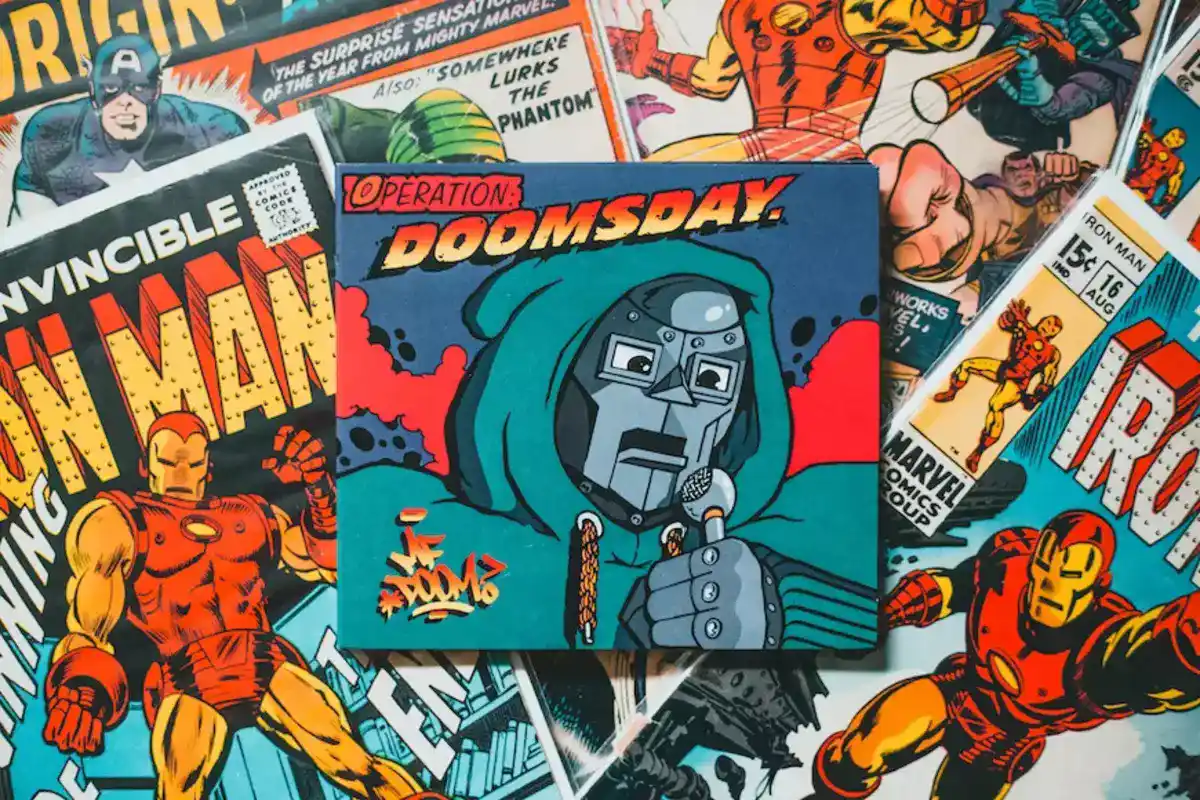
Flat animation is another name for two-dimensional or two-dimensional animation. Developed initially as a two-dimensional animation (2D Animation). The creation of cartoon movies represents the true, fairly innovative manifestation of the growth of two-dimensiona. It is also referred to as a cartoon movie when it is two-dimensional (2D) animation.
2. 3D Animation (3 Dimensions)
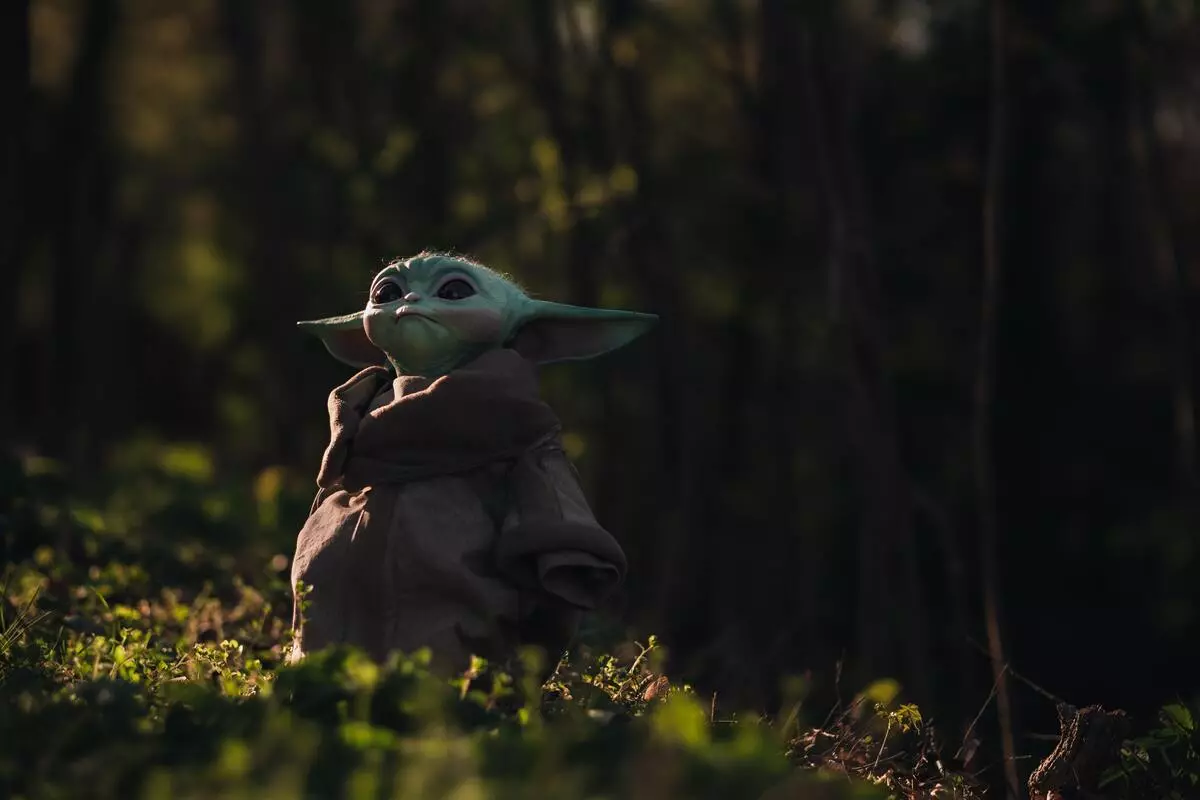
The evolution of 2D is 3D. The characters are more lively and realistic in 3D, and they resemble their original human forms more closely to their original human form.
3. Stop Motion Animation
This animation uses plastisin, a malleable substance resembling gum. Clay animation uses a unique frame to create each character's body. Once the figures were ready, each action was captured on camera. The ten photos are then stitched together to create a moving image similar to what we see in movies. However, this type of animation is highly expensive.
4. Clay Animation
The way this type of animation works is almost the same as Stop Motion Animation, except that the body parts of this skeleton, such as the head, arms, legs can be removed and reattached.
5. Anime
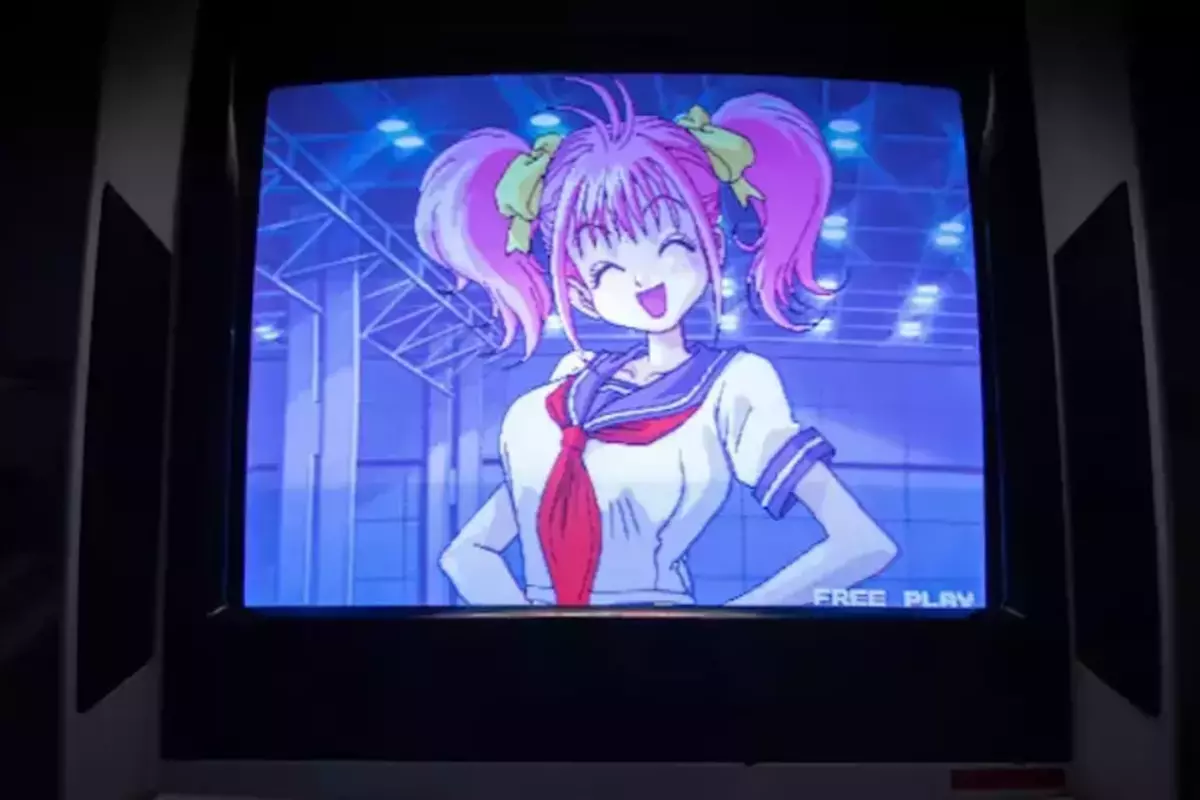
Anime is a separate term for animated films in Japan. Anime usually uses hand-drawn characters and backgrounds with a little computer assistance.
6. GIF Animation
GIF animation is a straightforward animation method that employs fundamental animation concepts in the form of connected images. Although it appears to be a video at first glance, it is actually merely a picture created using a basic GIF technique.
Animation Software
There are many different types of software available right now, ranging from simple to complex, free to costing millions of rupiah. The use of software can be divided into 2D and 3D animation software based on function.
1. 2D Animation Software.
Traditional (flat) animation is created with 2D software, which often includes the ability to sketch, alter motion, adjust time, and some even input music. It is normally not challenging to use. These are some examples of 2D animation software:
- Macromedia Flash
- Adobe Flash
- Macromedia Director
- ToonBoom Studio
- Adobe ImageReady
- Corel RaVe
- Swish Max
- Adobe After Effect
2. 3D Animation Software
3D animation software has sophisticated facilities and capabilities to create 3D. These facilities and capabilities include creating 3D objects, setting camera motion, giving effects, importing video and sound, and much more. Some 3D software has unique capabilities, for example, figure, landscape, title, etc. Because of its sophisticated capabilities, its use requires high and sometimes complicated knowledge. Examples of this 3D Animation Software include :
- 3D Studio Max
- Maya
- Poser (figure animation)
- Bryce (landscape animation)
- Vue (landscape animation)
- Cinema 4D • Blender (gratis)
- Daz3D (gratis)
Main Principles of Animation
The word "animation" derives from the verb "animate," which means to give the appearance of life to inanimate objects. To create engaging, dynamic animations that are not static, a professional animator needs to be aware of and comprehend the processes involved. Below are 12 principles or terms of animation so that the animation looks real:
1. Timing
Whether a movement is natural or not depends on the timing. Imagine that humans are moving too slowly while the background is moving too quickly. Or a ball that bounces off the ground, but the sound effect of the bounce is heard first, followed by the reflection. Therefore, synchronization between animation parts is more important than time here.
Grim Natwick, a Disney animator once said, "Animation is all about timing and spacing". “Timing” is about determining when a movement should be performed, while spacing is about choosing the acceleration and deceleration of the various types of motion. Example of Timing: Determines at what second an object/character travels to its destination or stops. Spacing Example: Determines the density of the image (which in the animation will affect the speed of movement).
2. Ease In and Ease Out
The usage of this approach is particularly prevalent. The motion needs to be slower when the ball is tossed up. It will also fall faster. Alternatively, if the car stops, you must also slow down; you cannot stop right away.
Slow In and Slow Out draw attention to the fact that every movement has a unique rate of acceleration and deceleration. When a movement begins out slowly before accelerating, this is known as slow in. A slow out happens when a motion that was once rather quick now becomes slower.
3. Arcs
Things don't move in straight lines. Just throwing the ball will never go straight; there must be a slight shift. So try your object movement is not perfect, a bit "damaged" a little, so it looks natural.
Arcs are (virtual) patterns/paths that represent the motion of the bodily movement system in animated people, animals, and other living things. Since their movements have a curved pattern, this enables them to move "smoothly" and more convincingly (including circles, ellipses, or parabolas).
4. Follow Through and Overlapping Action
Follow-through is about specific body parts that keep moving despite a person having stopped moving. For example, hair that stays moving just after jumping. Overlapping action can easily be thought of as a crisscrossing motion. That is, it is a series of movements that precede each other (overlapping).
Example: Rabbit is jumping. A moment after the jump its ears were still twitching even though the main movement of the jump had been done. This principle wants to describe the character's behavior before completing an action. For example, when someone throws a ball, the movement after throwing the ball (Follow Through) shows a happy face because he is satisfied that he threw the ball. Then the so-called Overlapping action is the movement of clothes or hair that moves due to this movement.
So animation is not just moving pictures, but making them come alive with detailed things like this. Many who are very clear can draw characters, but many fail at animating because the characters drawn are too complex to animate.
5. Secondary Action
This is not an actual movement; for example, while in the doctor's waiting room, there is a main character who is reading, but in the background, there are supporting characters such as people smoking, chatting, or whatever makes it look natural.
Secondary actions are additional movements intended to strengthen the main movement to make it more realistic. The secondary action is not meant to be the 'center of attention' to obscure or distract from the main movement. Its appearance serves to strengthen the main movement.
Example: When someone is walking, the main movement, of course, is to take a step as it should run. However, a figure or animated character can swing his arms while walking. This hand-swinging movement is called the secondary action for the walking movement.
6. Squash and Stretch
When the ball falls a little flat, it shows the flexibility of the ball. Or when people jump and fall, their legs flex slightly. Squash and stretch is an effort to add a flexible (plastic) effect to an object or figure so that it seems to 'expand' or 'shrink' to give a more lively motion effect.
Applying squash and stretch to living figures or objects (e.g., humans, animals, creatures) will provide 'enhancement' as well as dynamic effects to specific movements/actions while applying squash and stretch to inanimate objects (e.g., glasses, tables, bottles) will make them (the inanimate objects) look or act like living things.
For example, when a ball is thrown. When the ball hits the ground, it is made as if the ball, which was initially a perfectly round shape, becomes slightly oval horizontal, even though, in reality the ball is not always like that. This gives the effect of a more dynamic and 'alive' movement.
7. Exaggeration
Animations can be exaggerated with music, backgrounds, or pictures. People are depicted with large eyes showing surprise. We can see how people run in Japanese cartoons, but there is an image of a large eagle in the background to show the speed of the person's running.
Exaggeration is an attempt to dramatize through hyperbolic image engineering. It is made in such a way that it is seen as a specific extreme form of expression and is usually used for comedic purposes.
Often found in animated children's films (all ages) such as Tom & Jery, Donald Duck, Mickey Mouse, Sinchan, etc. Example: Donald duck's body floats following the source of smoke when Donald cuck's nose smells the aroma of delicious food.
Investing in an animation studio now is a wise move because many people enjoy and find animation to be highly popular. A lot of businesses also employ animation for presentation and promotion. At KEK Singhasari, you can invest in the creative industry sectors.
 ID
ID EN
EN